
The Sonoma County Clerk of the Superior Court
California uses a unified Superior Court in each county. The court clerk function inside that court is called the Clerk of the Superior Court. It is part of the Sonoma Superior Court, not a separately elected office. Court staff in each division work as deputies of the clerk for that calendar. The clerk's job covers everything from filing a complaint to issuing letters in a probate case to processing certified copies of a judgment.
The clerk does not give legal advice. The clerk accepts filings, marks them filed, enters them on the docket, and routes them to the assigned judge. Forms must be correct before the clerk will accept them. Self-represented filers often work with the Sonoma Superior Court self-help center before bringing a packet to the counter.
Clerk of the Superior Court (Main Court Campus)
Sonoma County Superior Court, Hall of Justice
600 Administration Drive
Santa Rosa, CA 95403
Court division lines on the locations page
Criminal, traffic, jury, and general court services
Civil and Family Law Courthouse Clerk
Sonoma County Superior Court
3055 Cleveland Avenue
Santa Rosa, CA 95403
Civil, family, probate, and small claims counters
Court Clerk vs County Clerk-Recorder
Sonoma County has two distinct clerk offices. They sound alike but they are not the same. Knowing which one to contact saves the wrong drive across north Santa Rosa.
The Clerk of the Superior Court is part of the court system. It works inside the Sonoma Superior Court divisions. It handles court case filings, dockets, hearings, judgments, certified court copies, court fees, and form processing for any court matter. Divorce papers, criminal case copies, probate letters, civil judgments, and small claims files all run through the court clerk.
The Sonoma County Clerk-Recorder-Assessor is a separately elected county office. The current Clerk-Recorder-Assessor is Deva Marie Proto. It handles marriage licenses, marriage ceremonies, marriage certificates, birth and death certificates, fictitious business names, notary filings, professional registrations, official public recorded documents, deeds, liens, mortgages, and maps. The Clerk-Recorder page states that the Clerk of the Court is a separate office from the County Clerk, the Clerk of the Board of Supervisors, and the Registrar of Voters.
The county also publishes its Clerk-Recorder page online with a directory of services and contact information. View the source at the Sonoma County Clerk-Recorder-Assessor page.
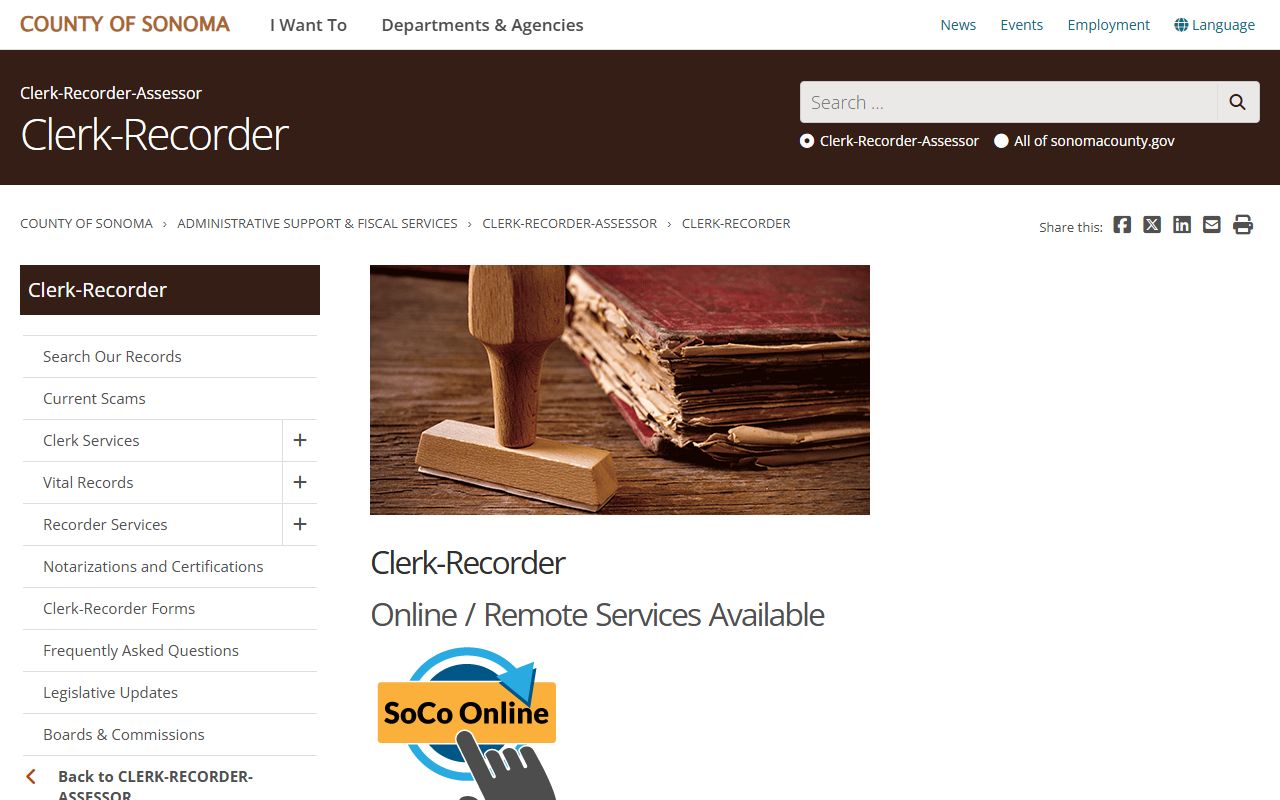
The page lists the County Clerk-Recorder office services, which is a useful cross-reference but is not the office to call about a Sonoma court case file.
Responsibilities of the Court Clerk
Court clerk staff do many things on a typical day. The list below covers the core duties seen across Sonoma Superior Court divisions.
- Accept and file civil, criminal, family, probate, small claims, traffic, and juvenile papers.
- Maintain the court's electronic and paper case files and dockets in each division.
- Issue summons, writs, subpoenas, abstracts of judgment, and letters in probate cases.
- Sign and seal certified copies of court documents and judgments.
- Collect and account for filing fees, copy fees, fines, restitution, and bail.
- Schedule and post hearings, calendars, and minute orders.
- Receive ex parte applications and route them to the assigned department.
- Process fee waiver applications and confirm the court's order.
The clerk also keeps the official record of what the judge does. Minute orders, judgments, and other rulings are entered by the clerk after the court rules. The clerk does not change the substance of an order. If a party believes a minute order does not match what the judge said, the fix is a motion or an application to correct, not a counter request.
How to Request Court Documents
Court records can be requested from the clerk in several ways. The right method depends on whether the file is on the Odyssey Portal, whether the document is online, and what kind of copy is needed. Free portal printouts are fine for personal reading but are not certified.
- Identify the exact case number and division. The Sonoma Superior Court Odyssey Portal shows case headers if the number is not known.
- Pick the right counter. Criminal and traffic at the Hall of Justice; civil, family, probate, and small claims at 3055 Cleveland Avenue.
- Bring or send a records request listing case number, party names, document title, and approximate filing date.
- State whether a plain copy, certified copy, or exemplified copy is needed; the fee is different for each.
- Pay the fee under the court's fee schedule and Government Code section 70627.
- Pick up the copy at the counter or wait for mail delivery, with extra time for older records pulled from storage.
For sealed records under California Rule of Court 2.550 and Rule 2.551, the clerk cannot release a copy without a court order. The same is true for juvenile case files under Welfare and Institutions Code section 827 and adoption files under Family Code section 9200. Petition to access first; collect copies after the order.
Records Request Form Fields
Whether a request is made at the counter, by mail, or by a portal copy request, the same core fields are needed. The court must know what file to pull and what kind of copy to print. The table below lists the standard fields.
| Field | Required | Notes |
|---|---|---|
| Case Number | Strongly preferred | Best located in the Odyssey Portal or on prior court papers. |
| Party Names | Yes | Full legal names of plaintiff and defendant, or petitioner and respondent. |
| Case Type | Yes | Civil, criminal, family, probate, juvenile, small claims, or traffic. |
| Document Title or Description | Yes | Examples: judgment, order, minute order, complaint, or specific filing date. |
| Filing Date or Year | Conditional | Helps narrow the search for older files. |
| Copy Type | Yes | Plain copy, certified copy, or exemplified copy. |
| Number of Copies | Yes | Per document; certifications priced per document. |
| Requester Contact Info | Yes | Name, mailing address, phone, and email for delivery and questions. |
For older Sonoma court files that have left active storage, expect a longer turnaround. The clerk may have to retrieve from off-site storage. A written request is usually better than a counter visit for closed cases that are more than a few years old.
Certified Copies and Exemplification
Three copy levels exist for Sonoma court records. Each carries a different fee under Government Code section 70627. A plain copy is just a printout. A certified copy carries the court clerk's seal and signature. An exemplified copy is a higher level used for federal and out-of-state filings.
Certified copies are often required for legal use. Examples include enforcing a judgment, recording a divorce decree, transferring property based on letters in probate, and proving a criminal disposition for immigration or licensing. An uncertified printout from the Odyssey Portal is not accepted in most legal proceedings, even though it has the same text.
Exemplification is used when a court document must be authenticated for use in another court system. The clerk attaches a certificate to the certified copy, and a judge signs an additional certification. This three-part chain is what some federal proceedings and out-of-state probates require.
Fees for Court Records
Sonoma Superior Court fees are set by the Government Code. Government Code section 70627 is the main authority for copy and certification fees. The court's fee schedules page lists current amounts. Filing fees for new cases are set elsewhere in the Government Code and on the same schedule.
| Item | Amount |
|---|---|
| Plain copy per page | Per court fee schedule under Gov. Code § 70627 |
| Certified copy per page | Per Gov. Code § 70627 |
| Certification fee per document | Per Gov. Code § 70627 |
| Exemplification | Per Gov. Code § 70627 |
| Record search fee | Per Gov. Code § 70627 when authorized |
| Civil filing fee (unlimited) | Per court fee schedule |
| Civil filing fee (limited) | Per court fee schedule |
| Small claims filing fee | Per court fee schedule, scaled by claim amount |
Fee waivers are available for litigants whose income falls below the statutory limit. Judicial Council form FW-001 starts the request, and the court signs an order on form FW-003. The waiver covers most basic filing and copy fees but does not cover every cost in every case. Always check the current schedule before sending payment; the court reports unpaid amounts to its collection vendor Linebarger when accounts go past due.
Filing Forms with the Sonoma Superior Court
Forms come from two sources. The Judicial Council of California publishes statewide forms used in every county. Sonoma Superior Court publishes local forms for procedures unique to the county. Many filings need both. The court's forms and filing page is the single best starting point.
The court forms and filing page lists local forms, links to Judicial Council statewide forms, and gives current e-filing details for the case types that allow electronic submission. View the source at the Sonoma Superior Court forms and filing page.
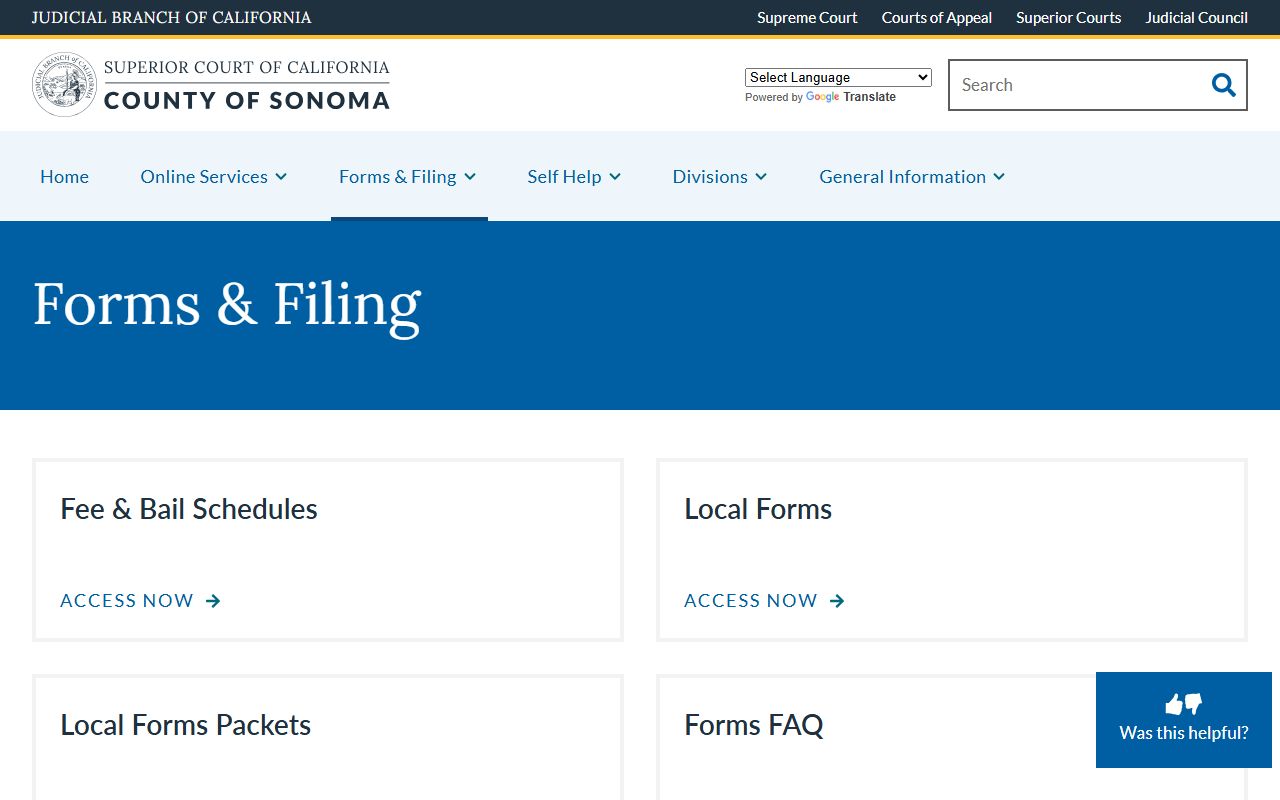
The same page covers fee waiver request forms, certified copy request information, and division-specific procedural rules a self-represented filer needs before bringing a packet to the counter.
Hours and Contact Information
Public counter hours, phone lines, and division-specific contacts are posted on the court's locations and contact information page. Each division has its own counter line. The main address is 600 Administration Drive, but the right counter for a civil, family, probate, or small claims case is at the Civil and Family Law Courthouse at 3055 Cleveland Avenue.
For matters that involve the County Clerk-Recorder rather than the court clerk, the cross-reference contact is the office at 585 Fiscal Drive. That office is open Monday-Tuesday 8 AM to 5 PM, Wednesday 8 AM to 4 PM, Thursday-Friday 8 AM to 5 PM, with phone service Monday through Friday from 9 AM to 4 PM at (707) 565-3800. The Clerk-Recorder is a county office, not a court office, and only handles marriage, vital, and recorded property records.
County Clerk-Recorder-Assessor (Cross-Reference Only)
Clerk-Recorder-Assessor: Deva Marie Proto
585 Fiscal Drive, Room 103
Santa Rosa, CA 95403
(707) 565-3800
24-hour info: (707) 565-3700
Fax: (707) 565-3905
ClerkRecorder@sonomacounty.gov
Note: The Clerk-Recorder office will not process fee transactions in the last 30 minutes of any business day, so plan counter visits early.
Older Sonoma County Court Records
Not every Sonoma case is on the Odyssey Portal. Older paper-era records may live in the division clerk's office, in archived storage, or on microfiche. A search for an old divorce, an old probate, or a closed civil case usually needs a written request with party names, the approximate filing year, and the case number if known.
The Clerk of the Superior Court can confirm whether a file is active, retired, or sent to long-term storage. Some files may be at the California State Archives. Plan for a per-document fee and a wait time for retrieval. Recorded property records, by contrast, are not court files at all; the Clerk-Recorder at 585 Fiscal Drive handles those.
Pre-unification municipal court files carry older case-number formats. The court clerk can usually still locate them by name, year, and case type. The portal generally does not index those older files, so a written request is the right starting point.