
How to Search Sonoma County Court Records
The main case lookup tool is the Sonoma Superior Court Odyssey Portal. The court's Case Portal page links to it and lists access notes. The portal runs on Tyler's Odyssey software. It covers Sonoma civil, small claims, probate, family law, criminal, and traffic case indexes. Juvenile case files are not open to the public the way adult files are.
Have a few items ready before you start. The portal works best with a full last name, a date range, or a case number. Sonoma criminal case numbers often look like CR 24CR01416 or older SCR762106-1. Civil and family numbers use different prefixes. If you only have a name, plan for spelling variants.
- Open the court's Case Portal page and click through to the Odyssey Portal.
- Read the portal disclaimer. Public inspection is allowed, but not every document is downloadable.
- Pick a search mode. Choose name search, case number search, or calendar search.
- For name searches, enter the last name first. Try alternate spellings, initials, and any known business name.
- For case numbers, type the full number with the year and case-type segment.
- Use the case type filter to narrow civil, criminal, family, probate, small claims, or traffic results.
- Click Search. The result list shows case number, party names, case type, filing date, and status.
- Open a case to read the register of actions in date order. Hearings, filings, orders, and dispositions appear there.
If a case is too old for the portal, or if images are not online, request the file from the division clerk. Provide party names, the case number if known, and the approximate filing year. Ask about certified or exemplified copies before paying.
Sonoma County Court Records Search Fields
The Odyssey Portal exposes a set of fields that vary by search mode. The table below lists the common fields seen on the public interface for Sonoma Superior Court. Some fields only appear once a search mode is selected, and some are optional filters used to narrow long result sets.
| Field Label | Type | Required | Notes / Format |
|---|---|---|---|
| Search Type / tab | tab/radio | Yes | Pick name search, case number search, calendar search, or advanced. |
| Last Name / Business Name | text | Conditional | Used for party search. Try exact spelling and variants. |
| First Name | text | Optional | Narrows results when the last name is common. |
| Middle Name | text | Optional | Helps with common names. |
| Case Number | text | Conditional | Best field when known. Sonoma examples: CR 24CR01416, SCR762106-1. |
| Date Filed From | date | Optional | Lower bound for a date range filter. |
| Date Filed To | date | Optional | Upper bound for a date range filter. |
| Case Type | dropdown | Optional | Civil, criminal, family, probate, small claims, traffic. |
| Location / Court | dropdown | Optional | Sonoma Superior Court location or department where shown. |
| Search | button | n/a | Runs the query. |
| Reset / Clear | button | n/a | Clears the form. |
A focused search returns fewer hits and a shorter wait. Start with a tight date range and one case type. If no result appears, drop the case type filter first, then drop the date range, then try a name variant. Note: Odyssey may not match a partial name unless wildcards are allowed on that field.
Types of Sonoma County Court Records
Sonoma Superior Court is a unified trial court. The same court holds civil, criminal, family, probate, juvenile, traffic, and small claims case files. The portal indexes adult case types. Juvenile dependency and delinquency files are confidential under Welfare and Institutions Code section 827. Sealed materials are excluded under California Rule of Court 2.550.
Different divisions handle different file types. Criminal cases live at the Criminal Division at 600 Administration Drive. Civil, family, and probate files are at the Civil, Family Law, and Probate Divisions at 3055 Cleveland Avenue. The same portal pulls all of them.
- Civil records: complaints, answers, motions, judgments, writs, and notices of appeal. Most are public.
- Criminal records: felony and misdemeanor complaints, arraignment minutes, plea forms, sentencing minutes, and probation orders.
- Family law records: divorce, legal separation, custody, support, parentage, and domestic violence restraining orders.
- Probate records: wills lodged, petitions, inventories, accountings, letters, guardianships, and conservatorships.
- Small claims: plaintiff claims, defendant claims, judgments, and debtor exams from the Small Claims Division.
- Traffic and infractions: citations, failure-to-appear entries, traffic school records, and dispositions.
- Unlawful detainer: eviction complaints, summons, and writs of possession with access limits when the tenant prevails.
For citation lookups, payment, or traffic school, see the court's traffic online services or the dedicated Sonoma County traffic court records page.
The Sonoma County Superior Court small claims division covers small-dollar disputes for self-represented parties. A screenshot of the official page shows what the court publishes about claim limits and forms. View the source at the Sonoma Superior Court small claims page.
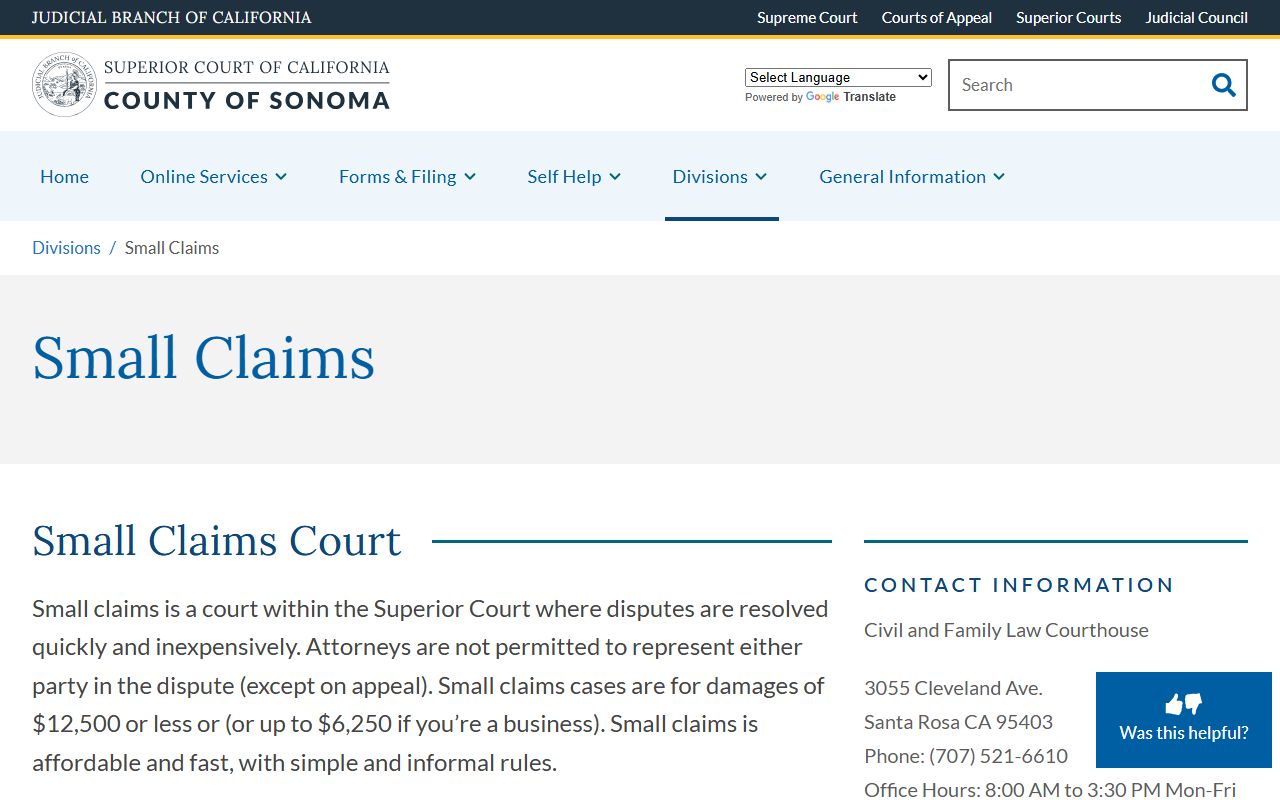
The same division publishes filing instructions, hearing notes, and links to local forms. Use it before any small claims filing to confirm current claim caps and judgment rules.
What Sonoma County Court Records Show
A Sonoma case record holds the basic facts of the case, the party names, the calendar of court events, and the documents the parties have filed. Public case-summary pages show one row of header data and a register of actions below it. Document images may or may not be online based on case type and California Rule of Court 2.503.
| Field | What It Shows |
|---|---|
| Case Number | Court-issued ID such as CR 26CR02974 or older SCR762106-1. |
| Filing Date | Date the first paper was filed, usually MM/DD/YYYY. |
| Case Type | Felony, misdemeanor, civil unlimited, civil limited, family, probate, traffic, or small claims. |
| Parties | Plaintiff and defendant, or petitioner and respondent. Some addresses are redacted. |
| Attorneys | Attorney of record, firm, and the party they represent. |
| Court / Department | Superior Court of California, County of Sonoma, with the assigned department or courtroom. |
| Judge | Judicial officer assigned to the case or a specific hearing. |
| Status | Open, disposed, dismissed, warrant, failure to appear, stayed, sealed, or transferred. |
| Hearings | Date, time, courtroom, hearing type, and judge for upcoming events. |
| Register of Actions | Chronological list of all filings, minute orders, and court events. |
| Disposition | Result on a charge or claim, such as guilty plea, dismissal, or judgment for plaintiff. |
| Financial | Filing fees, fines, bail, restitution, and balance due. |
| Documents | Filed images where remote access is allowed. Others are kept courthouse-only. |
Redactions are routine. Social Security numbers, account numbers, driver's license numbers, the names of minors, and confidential addresses are kept off the public view. Victim information and sealed materials are excluded as well.
For more on how to read entries on the register of actions, see Sonoma County court dockets. Criminal-specific search advice lives on the Sonoma County criminal records page.
Older Sonoma County Court Records
The Odyssey Portal does not cover every old file. Old paper-era records may be at the division clerk, in archived storage, or held in microfiche. A search for an old divorce, an old probate, or a closed civil case usually needs a written request with the party names, the approximate filing year, and the case number if known.
The Clerk of the Superior Court can confirm if a file is in active storage or has been retired. Some old cases may be at the State Archives or with a contracted records service. Plan for a fee per document and a wait time for retrieval. For an older recorded property record, that is a Clerk-Recorder office matter and not a court case.
Note: The Clerk-Recorder-Assessor at 585 Fiscal Drive holds deeds, liens, marriage certificates, and recorded titles, but not court case files.
Certified Copies and Court Fees
The court charges copy fees and certification fees under Government Code section 70627. Plain copies cost less than certified copies. Exemplified copies, used for some federal and out-of-state filings, cost more than a basic certification. Always check the current fee at the court's fee schedules page before sending payment.
A certified copy carries the court clerk's seal and signature. Many agencies require certified copies for legal use. An uncertified printout from the portal is fine for personal reading but is not accepted in most legal proceedings.
The court's forms and filing page lists Sonoma forms and statewide Judicial Council forms. Fee waivers are available for those who qualify; see the self-help page for the request form.
The court's official forms and filing page is the starting point for any paper filing. View the source at the Sonoma Superior Court forms and filing page.
The page links to Sonoma-specific local forms and to the Judicial Council statewide forms used in every California court.
Public Access Laws for Sonoma County Court Records
California treats court records and county agency records under two different access rules. Sonoma Superior Court case files follow the California Constitution's open-court rule, the California Rules of Court, and statutes such as Government Code section 70627 for copy fees. County executive records follow the California Public Records Act.
California Rule of Court 2.503 controls public remote electronic access to trial court records. It allows the court to publish case indexes online but limits what document images may be available remotely. Some records that may be inspected at the courthouse are not posted online by the same rule.
Anyone may search a public case index. The court does not require a reason. No photo ID is needed to use the Odyssey Portal. For an in-person courthouse review, you may be asked to sign a request slip at the file room. ID is required to pick up a certified copy under some clerk policies.
Note: Online access is broad but not total. Some records exist in the file only and are not posted to the portal under California Rule of Court 2.503.
Sealed and Restricted Sonoma County Court Records
Several record types are off the public index by law. Juvenile dependency and delinquency files are confidential under Welfare and Institutions Code section 827. Adoption files are confidential under Family Code section 9200. Sealed records follow California Rule of Court 2.550 and Rule 2.551.
Adult arrest records can be sealed after a non-conviction under Penal Code section 851.91. Factual innocence sealing under Penal Code section 851.8 can lead to sealing and destruction. Dismissal relief after probation is available under Penal Code section 1203.4.
Mental health proceedings, grand jury material, and victim or witness identifiers are restricted as well. To view a sealed case file, a person must usually file a petition or motion in the same court, give notice to the parties or agencies, and show good cause. The court rules on access through an order, not through a clerk transaction at the counter.
Self-Help Resources for Sonoma County Cases
The Sonoma Superior Court runs a self-help center that supports self-represented litigants in civil, family, probate, small claims, and other case types. The state self-help portal at courts.ca.gov/selfhelp offers the same forms used in Sonoma.
The self-help page lists clinic hours, workshop sign-up, and packets for common requests such as filing for divorce, asking for a fee waiver, responding to a small claims case, or seeking a domestic violence restraining order. The page also points to local legal aid groups.
The self-help center cannot give legal advice. Staff explain procedure, fix form errors, and point a litigant to the right division.
The Sonoma Superior Court self-help center home page describes the in-person help, online forms, and clinic schedule. View the source at the Sonoma Superior Court self-help page.
The same page links to the statewide California Courts self-help portal for forms, guides, and chat support.
In-Person Sonoma County Court Records Requests
Records that are not online can be requested at the court clerk's counter. Bring a photo ID, the case number if known, and payment for fees. The court has two main public counters: criminal and traffic at the Hall of Justice on Administration Drive, and civil, family, probate, and small claims at Cleveland Avenue.
Clerk of the Superior Court (Main Court Campus)
Hall of Justice
600 Administration Drive
Santa Rosa, CA 95403
Use the court locations page for direct division lines
Civil and Family Law Courthouse
3055 Cleveland Avenue
Santa Rosa, CA 95403
Use the court locations page for direct lines
Expect weapons screening and bag inspection. Phones are usually allowed, but no photo or video without court approval. For ADA help, ask through the court's ADA accommodations process before the visit.